Billing
Pay Your Balance
Pay your account balance quickly and securely through your Jane patient account. Follow the steps below:
Step 1 — Log in to your Jane account
Go to https://aeropt.janeapp.com/account and sign in with the email address you used when you booked your appointment.
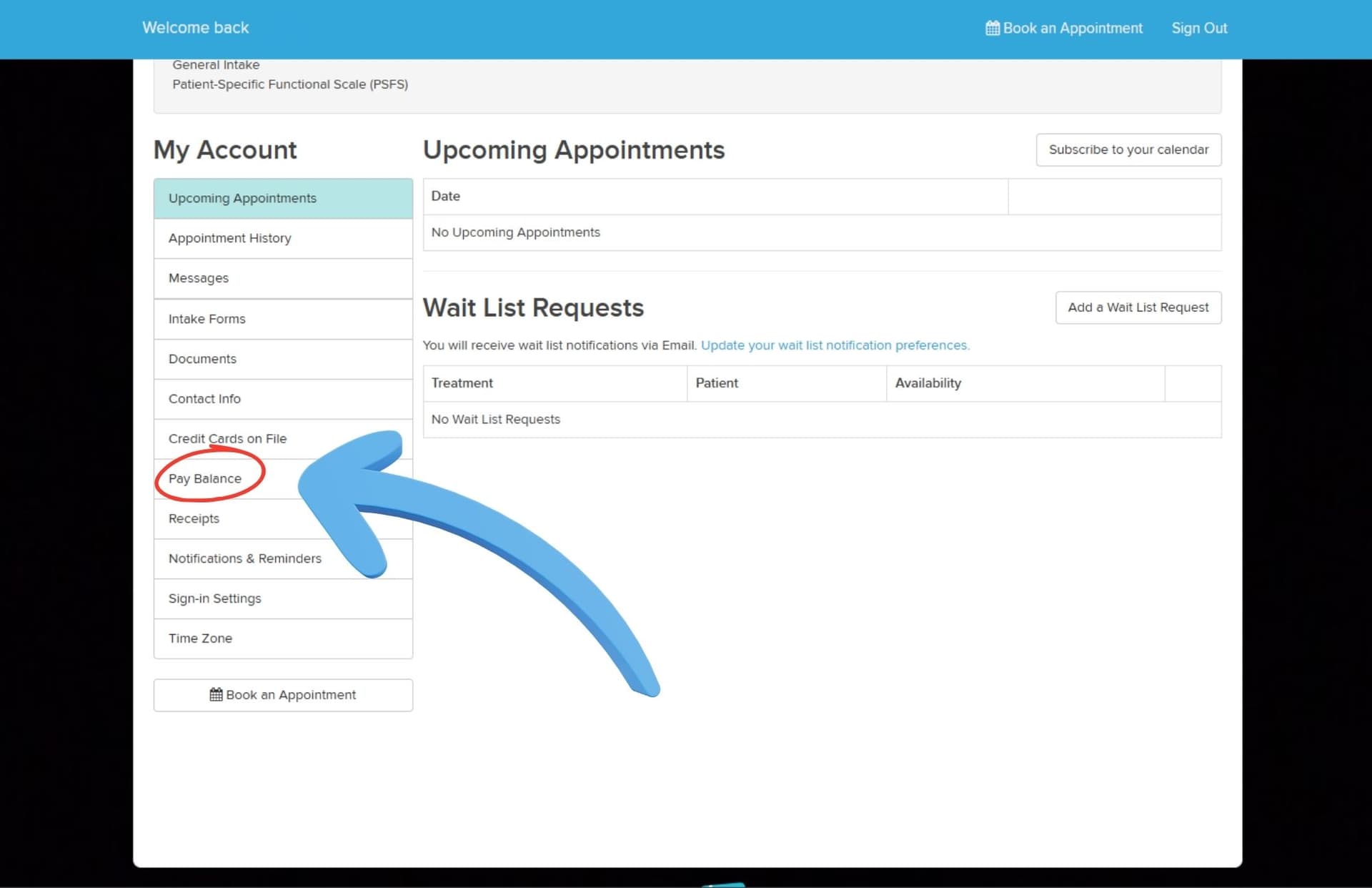
Step 2 — Open the “Pay Balance” tab
Once logged in, click the Pay Balance tab and follow the prompts to complete your payment.
Questions?
Call or text us at (319) 930-2868 — we’re happy to help with any billing questions.
Get started
Ready to get moving?
Always accepting new patients — no referral needed. Call or text and we’ll get you scheduled.